
Overview
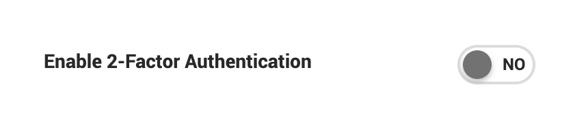
Two-factor authentication (2FA) is an optional security feature that adds a second verification step to the login process. When enabled, users log in with their email and password as usual, then enter a 6-digit code sent to their email to complete authentication.
How It Works
- Enter email and password.
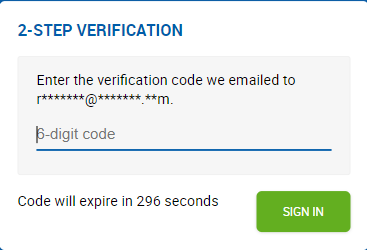
- A 6-digit code is sent to the user's email address.
- Enter the code to complete login.
The code expires after 5 minutes if unused.
Code Entry Rules
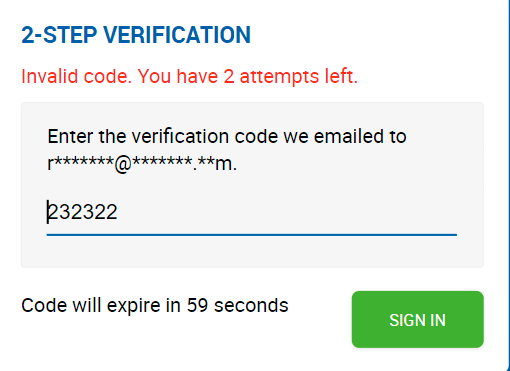
- Users have a maximum of 3 attempts to enter the code correctly.
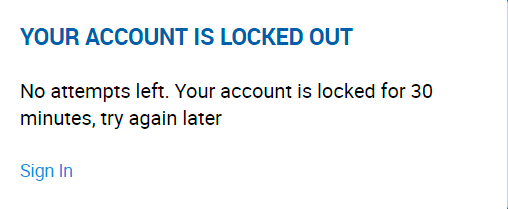
- After 3 incorrect attempts, the account is locked for 30 minutes. The user can retry after the lockout period ends.
Session & Device Behavior
- If a user logs out within 12 hours of their last 2FA login and logs back in from the same device, only the email and password are required — the 2FA code is not prompted again.
- If the user logs in from a different device, or more than 12 hours have passed since the last 2FA login, the full 2FA flow is triggered again.