Overview
The Prospect Current Lease Expiration Reminder sends up to four reminders before a prospect contact's current lease expires. Reminders are delivered as both in-app and email notifications to the contact's Creator, Originator, and Office Admin.
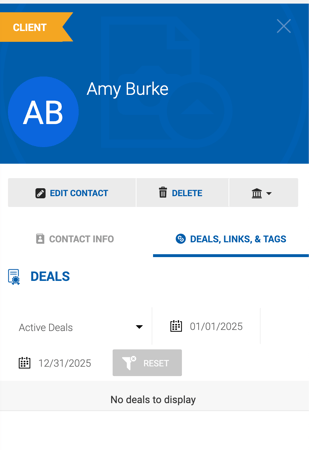
The reminder is tied to the Current Lease Expiration date on a contact's card, accessible under People > Contacts.
Configuration
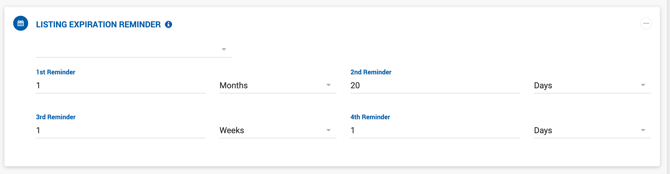
Up to four reminders can be configured, each with a numeric value and time unit. The time unit options include Days, Weeks, and Months, allowing flexible lead times before the lease expiration date.
Example default values:
| Reminder | Default |
|---|---|
| 1st Reminder | 1 Month |
| 2nd Reminder | 20 Days |
| 3rd Reminder | 1 Week |
| 4th Reminder | 1 Day |
Email Notification
- Subject: Prospect Current Lease Expiration
- Body: Hello [Full Name], This is a reminder that [contact full name]'s current lease will expire in [reminder period]. Best Regards, Dealius Team
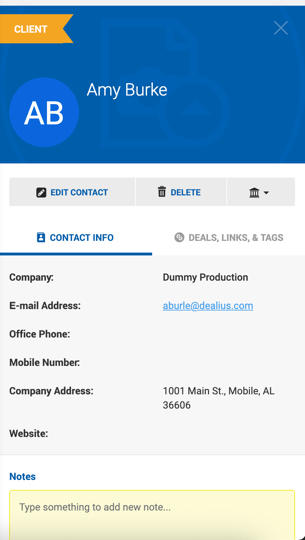
The contact's name in the email is a link that opens their contact card in the sidebar on the People > Contacts page.
In-App Notification
- Summary: Prospect Current Lease Expiration
- Text: [Contact full name]'s current lease will expire in [reminder period].
Clicking the notification opens the contact's card in the sidebar on the People > Contacts page.