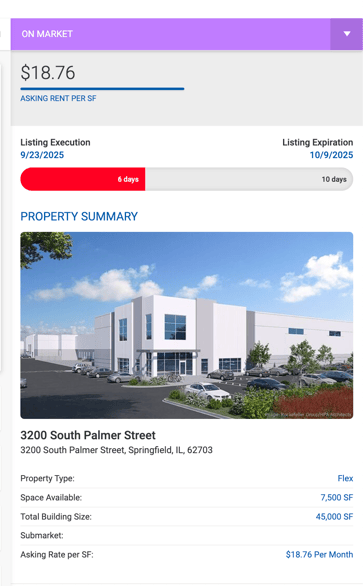
Property Statuses
| Status | Condition |
|---|---|
| Available | The property is not linked to any deal, or is linked to an open (active) deal only. |
| Available | The property has multiple spaces and at least one space has not yet been used in a closed deal. |
| Off Market | The property is linked to a closed deal. For properties with spaces, all spaces must be used in closed deals for the property to become Off Market. |
Property Sidebar
The sidebar displays the property image along with the following summary fields. These lines are hidden if the property has no spaces.
| Field | Description |
|---|---|
| Square Feet Available | Sum of SF for all spaces with Available status. |
| No. of Spaces Available | Count of spaces currently in Available status. |
| Total No. of Spaces | Total number of spaces on the property. |