Overview
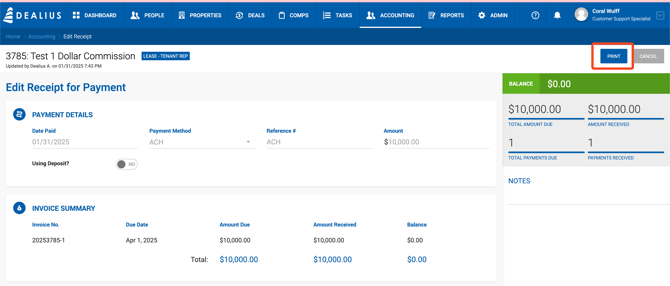
The Print action is available for receivables that have a receipt on file — either fully paid (Closed) or partially paid (Open with a partial receipt). A Print button is available both on the Receivables grid and within the Add Receipt form.
How It Works
Click the Print button to generate a PDF file containing:
- Receipt Details — Payment date, payment method, reference number, and amount received.
- Invoice Summary — Invoice number, due date, amount due, amount received, and remaining balance.