Overview
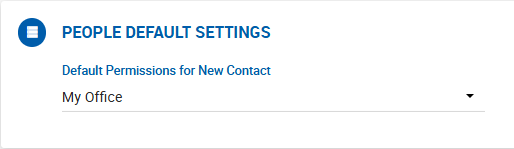
The Default Permissions for New Contact setting controls the default visibility applied when a user creates a new contact in Dealius. This value pre-fills the Permissions field on the Add Contact form and can be overridden by the user at the time of contact creation.
Options
| Option | Description |
|---|---|
| Only Me | The contact is visible only to the user who created it. Office Admins can also see contacts created with this permission if the creator is from their office. |
| My Office | The contact is visible to all user roles within the creator's office. This is the default selection. |
| Entire Company | The contact is visible to all user roles across all offices. |
| Select People | The contact is shared with specific internal brokers selected from the creator's office. When this option is chosen, an additional field appears to select the individual brokers to share with. |