Hiding the Split Plan
The Split Plan section on payment vouchers can be hidden by disabling the corresponding setting under Admin > Payment Voucher Settings.

Include Payment Voucher in Payment Notification
When enabled, brokers receive a PDF copy of their payment voucher attached to the payment notification email for their payable.
Display Deal Broker Commissions
This setting is disabled by default. When enabled, a Deal Broker Commissions section is added to the payment voucher with the following columns:
| Column | Description |
|---|---|
| Brokers | Broker name for house brokers; broker name with company name in parentheses for outside brokers |
| Gross Per Payment | Broker gross related to this receivable |
| % Share | Broker's percentage share of the deal commission |
| Remaining Gross | Unpaid broker gross calculated from unpaid receivables |
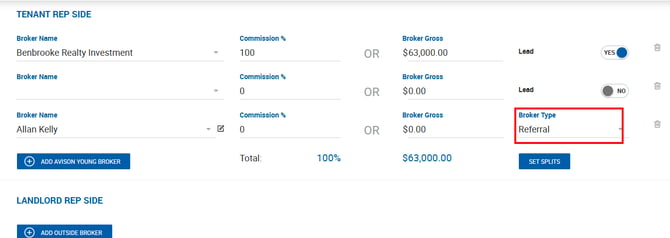
Use Different Payment Voucher for Referral Brokers
When enabled, outside brokers marked as a referral in the deal profile receive a simplified payment voucher with less deal detail.
The following fields are removed and/or relabeled depending on deal type:
Lease Deals
- Total House Gross
- Deal Value
- Occupancy Date
- Lease Expiration
- Invoice section (bottom of voucher)
- Gross Commission (in the Payee section)
- Deal Broker Commissions
- Broker Gross label in the Payee section is renamed to Referral Fee
Sale Deals & Other Reps
- Total House Gross
- Deal Value
- Invoice section (bottom of voucher)
- Gross Commission (in the Payee section)
- Deal Broker Commissions
- Broker Gross label in the Payee section is renamed to Referral Fee