
Overview
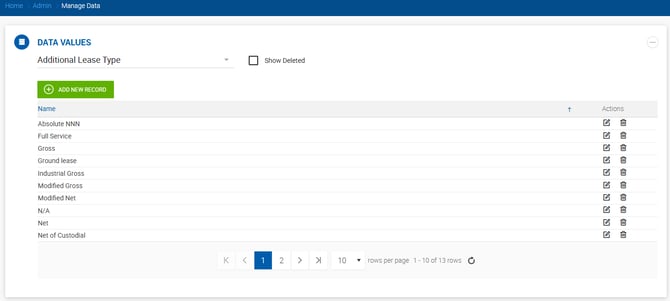
The Data Values section allows users with Admin-level permissions to customize the options available in various dropdowns throughout the system. To access it, go to Admin > Manage Data > Data Values.
Select a field from the dropdown in the top-left corner to view and edit its values. You can add new values, edit existing ones, or remove them.
Editable Lists
- Additional Lease Types
- Broker Payments
- Outside Broker Types
- Deal Source
- Expense Type
- External Comp Source
- Hotel Brand/Franchise
- House Contact Tags
- Industry Classification
- Lead Source
- Lease Type
- Link Type
- Listing Activity Type
- Property Management
- Prospect Status
- Property Type
- Space Type
- Transaction Type