
Overview
The Listing Activity tab on a Listing Profile allows users to log and track activities that occur outside of Dealius, such as showings, calls, or other interactions related to the listing.
 Adding an Activity
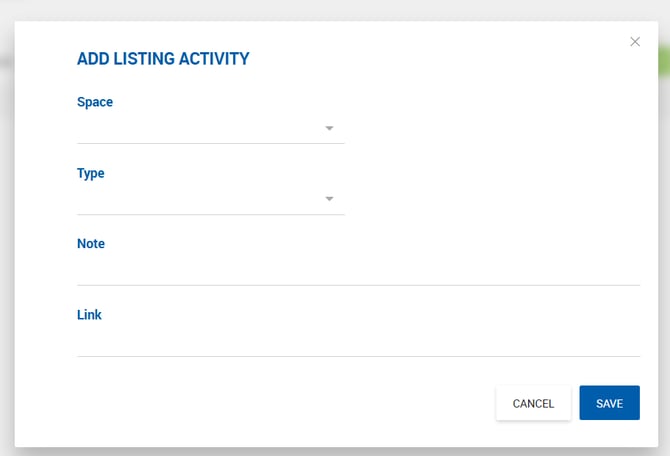
Click the New button to add an activity. Each entry includes the following fields:
| Field | Description |
|---|---|
| Space | Dropdown to associate the activity with a specific space on the listing. |
| Type | Required. Dropdown of available activity types, manageable under Admin > Manage Data > Listing Activity Type. |
| Note | Free text field for additional details about the activity. |
| Link | URL field for an external link. The link is clickable and opens in a new tab after saving. |
Managing Activities
Multiple activities can be added to a listing. Each activity can be edited or deleted individually. All activities are included in the Listing Export to Excel.