
Overview
The Links tab on a Listing Profile allows users to add external URLs with an optional name and type. Each link displays the name of the user who added it and the date and time it was saved. Links can be edited or deleted at any time.
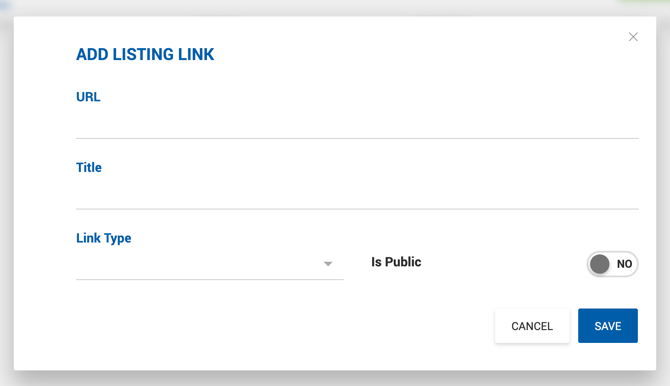
Adding a Link
Each link includes the following fields:
- URL — The web address.
- Name — Free text label for the link.
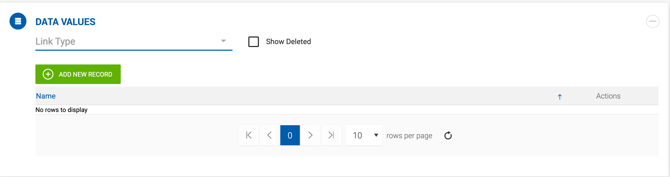
- Type — Optional. Link types are managed under Admin > Manage Data > Link Type.
Public vs. Private
Links default to Private. Public links are accessible via the API when listings are retrieved externally. Only Office Admins and Managers can change the Public/Private setting. For all other user roles, this toggle is always set to Off and cannot be changed.