Overview
Office Admins can now set a default reminder frequency for the Invoice Overdue Reminder directly in the Admin panel. This controls how often overdue invoice reminder emails are sent for the office, without requiring each broker to configure it individually.
Configuration
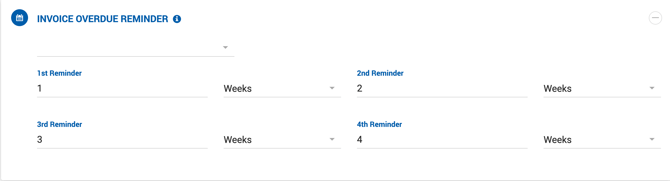
The setting is available in the Admin panel and allows configuring up to four reminder intervals. Each reminder has a numeric value and a time unit (Weeks):
| Reminder | Default |
|---|---|
| 1st Reminder | 1 Week |
| 2nd Reminder | 2 Weeks |
| 3rd Reminder | 3 Weeks |
| 4th Reminder | 4 Weeks |
These values can be adjusted to any interval as needed.