
Overview
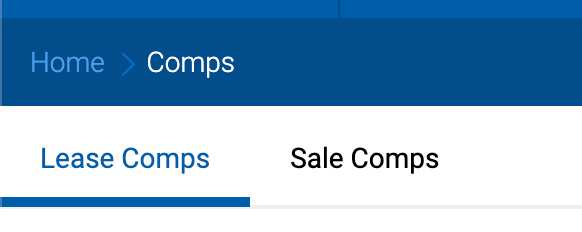
The Comps module provides a dedicated area for managing sale and lease comparable transactions. Once enabled, users with the appropriate permissions will see a Comps item in the main navigation bar, containing two tabs: Sale Comps and Lease Comps.
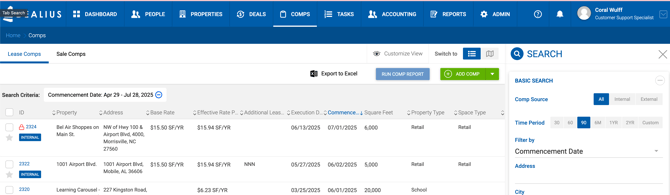
Enabling Comps
The Comps module is enabled at the system level by your Dealius representative. Once enabled, access can be granted to individual users.
User-Level Access
After the module is enabled, each user must be individually granted permission to view Comps. This is managed at the user level, allowing administrators to control who can access the module.
Once a user is granted access, the Comps menu item appears in their main navigation bar.
Confidential & NDA Permission Levels
Because comps may be marked as Confidential or NDA, access to individual comps is further controlled by permission levels applied per user. These are described in detail in the Comps Settings & Permission Levels article.