Overview
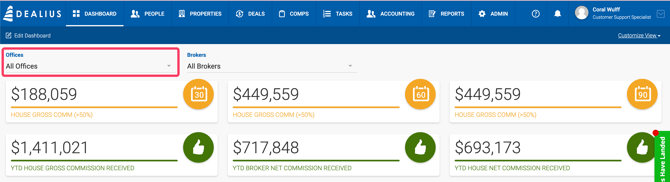
Every user has a Dashboard providing quick access to key business metrics calculated by the system, including projected commissions, payment amounts, and a table of active deals. If you are assigned to more than one office, use the office filter at the top of the page to narrow the metrics by office.
Customizing the Dashboard
Reordering Widgets — Widgets can be repositioned using drag and drop. Small widgets can be reordered within their block; large blocks can be reordered among each other.
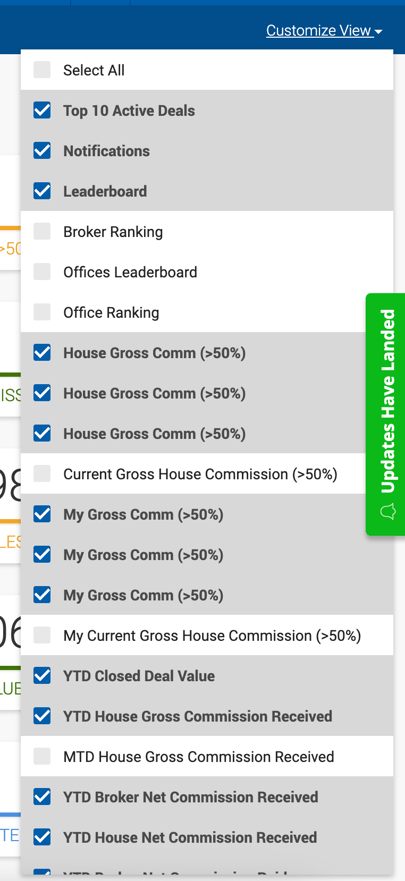
Showing and Hiding Widgets — Click the Customize View dropdown to select or deselect the widgets you want displayed on your dashboard.