Overview
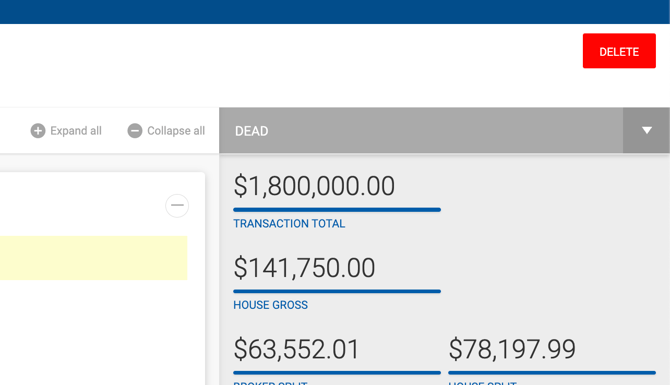
Deals in Dead status can be permanently deleted from the deal profile. The Delete button is located at the bottom of the deal profile screen.
Deleting a Deal
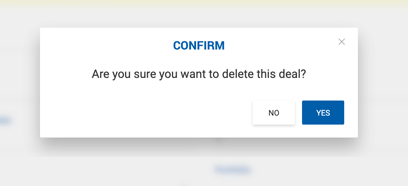
Click the Delete button on the deal profile. A confirmation prompt appears:
"Are you sure you want to delete this deal?"
Confirm to proceed with deletion. Once deleted, the system automatically recalculates any unpaid payables and splits in open deals that were affected by the deleted deal.