Overview
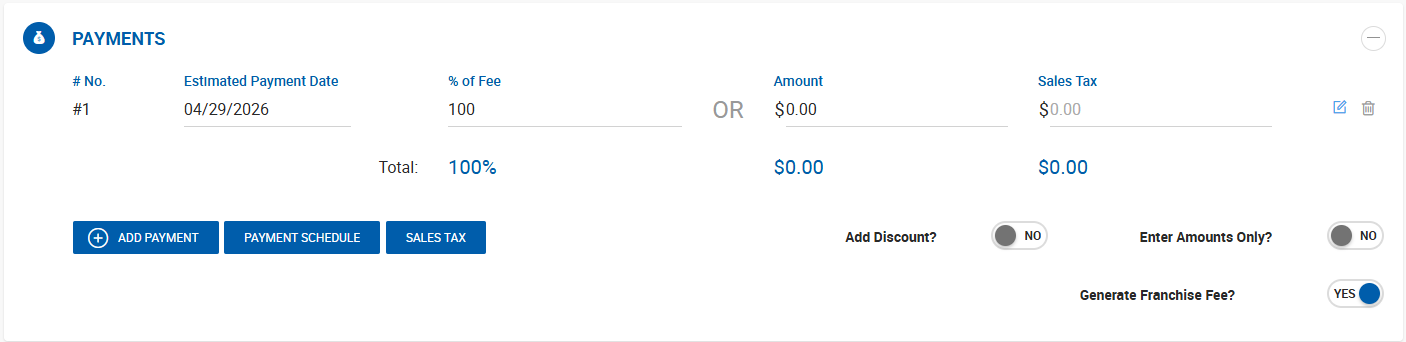
Every deal profile includes a Payments section listing all expected payments for the deal in chronological order. Each payment entry displays:
- Expected payment date
- % of fee
- Amount
- Sales tax (if applicable)
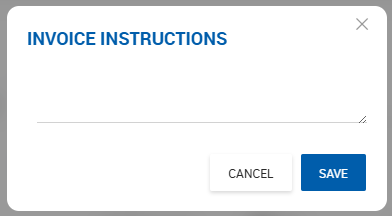
- Invoice instructions
- Option to delete
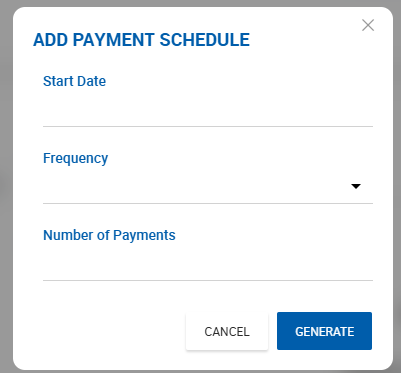
Payment Options allows creating multiple payments quickly:
Payment Options
Add Discount Enables a dollar amount field on each payment entry for applying a discount.
Enter Amounts Only Disables the % of Fee field, allowing amounts to be entered directly without a percentage calculation.
Generate Franchise Fee Available when the Franchise Fee feature is enabled on the instance. This toggle allows the franchise fee to be disabled on a per-deal basis.
Invoice Instructions
Free text instructions can be entered per payment. Where these instructions appear is controlled by two system settings:
- Deal Abstract — Configure visibility under Admin > System Settings > Deal Default Settings.
- Invoice PDF — Configure visibility under Admin > System Settings > Invoice Layout Settings.
Invoice Instructions also appear as an optional column in the Aging Report and Aging Report with Date Range, which can be enabled by the user.