Deal Closing Document Checklist
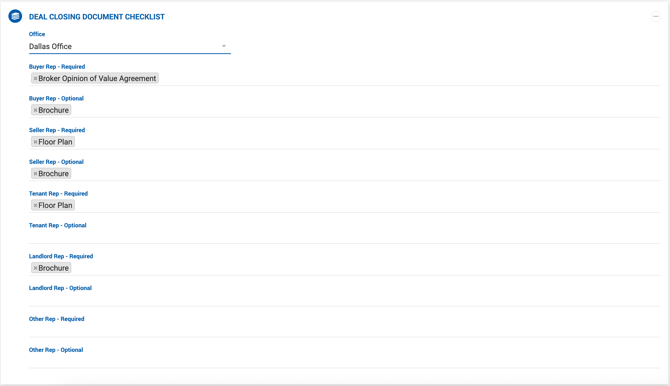
The Document Checklist is divided into four sections based on representation type:
- Buyer Rep
- Seller Rep
- Tenant Rep
- Landlord Rep
Each rep type has separate lists for required and optional document types. A document type marked as required for a rep type will not appear in the optional list for that same rep type. Managers can configure required and optional document types per deal type and per office from this section.
Once a required document type is configured, brokers must upload a document and assign the correct document type before submitting a deal for closure.
Deal Approval Workflow
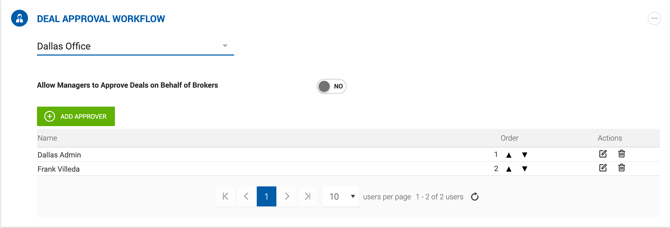
This section contains the list of managers and office admins who participate in the deal closing approval flow. Users are grouped by office, and approvers can be added by selecting existing managers from the list. Approvers can be reordered or removed at any time.
To allow all managers in an office to approve or reject deal closing on behalf of other brokers, enable the Allow Managers to Approve Deals on Behalf of Brokers toggle.