Overview
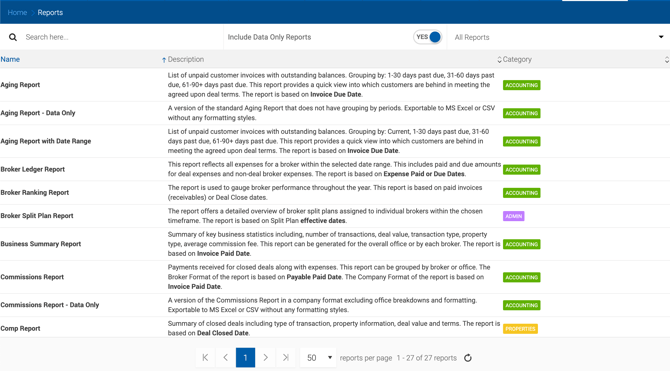
Some reports use complex grouping that doesn't export cleanly to Excel. Data Only versions of these reports remove all formatting, making them easy to export, sort, and filter in Excel.
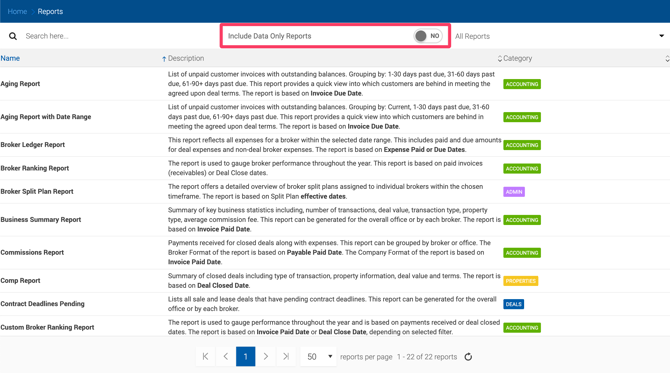
To display Data Only reports, enable the Include Data Only Reports toggle at the top of the reports list. Data Only copies of supported reports will appear in the list alongside the standard versions.
Supported Reports
The following reports have a Data Only version available:
- Aging Report
- Annual Billed Revenue
- Broker Pipeline Summary Report
- Commissions Report
- Deal Activity Report
- Pending Sales Report
- Pipeline Report
- Summary Commission Report