
Overview
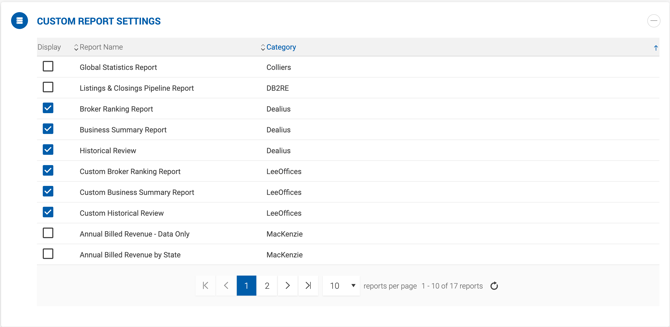
The Custom Report Settings section allows Super Admins to control the visibility of client-specific reports in the Reports tab. Only users with the Super Admin role can view and manage this section.
How It Works
The section displays a list of all custom reports available in Dealius. Each report can be individually enabled or disabled using the checkbox in the Display column. The grid is sorted alphabetically by report name by default and contains the following columns:
| Column | Description |
|---|---|
| Display | Checkbox to show or hide the report in the Reports tab. |
| Report Name | The name of the custom report. |
| Category | The name of the client who originally requested the report. |