Overview
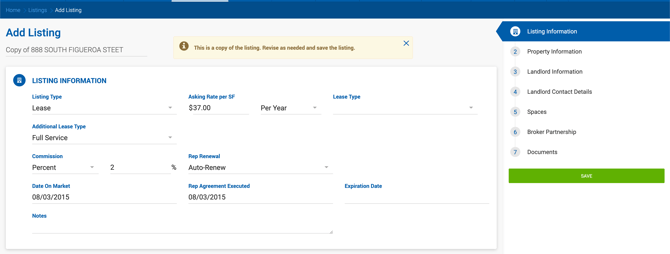
To create a copy of an existing listing, click the Copy button on the listing. The Add Listing form opens with all details pre-populated from the original listing, with the following exceptions: 
- The Name field defaults to "Copy of [original listing name]"
- The Expiration Date is not copied
Any changes made to the copied listing do not affect the original. Click Save to create the new listing.