Overview
Office Admins and Managers can flag closed deals as Confidential, NDA, or both. These flags are controlled by toggles on the Deal Profile > Deal Abstract section.
Setting the Flags
The Confidential toggle becomes visible to Office Admins and Managers when a deal is submitted for closure. If Confidential is enabled, the NDA toggle also becomes available.
Once an Office Admin or Manager clicks Approve during the deal closure process, the selected flags are applied.
Both toggles can be changed at any time after the deal is closed.
Where the Flags Appear
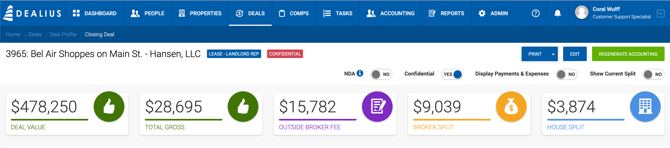
- The deal header displays CONFIDENTIAL and/or NDA labels when the corresponding toggles are enabled.
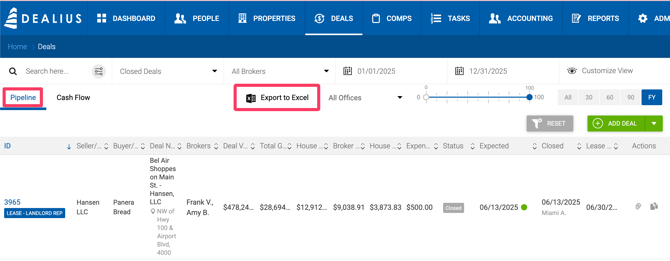
- The Pipeline Export to Excel includes two additional columns for these flags, displaying Y for deals where each flag is set to true.