
Overview
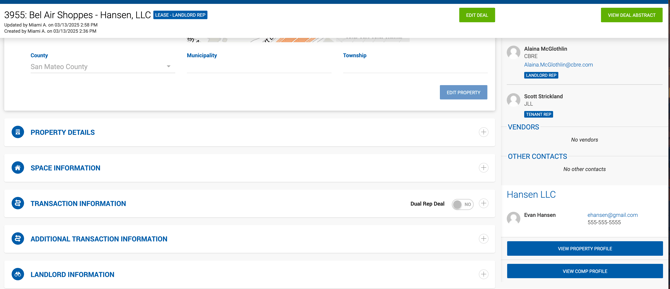
When a deal is closed in Dealius — meaning it has been approved by all approvers and accounting has been generated — the system automatically creates a comp linked to that deal. The deal profile displays a link to the comp, and the comp profile displays links back to both the deal and the property.
What Is Editable
Auto-generated comps are marked as Internal and are mostly read-only, as all fields feed directly from the deal profile. The only fields that can be edited on the comp itself are:
- Comp Highlights
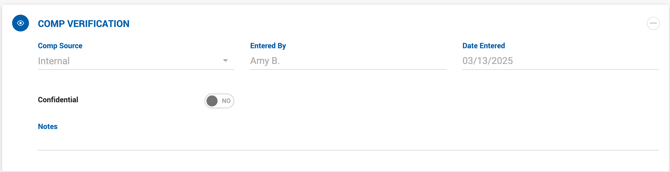
- Notes (in the Comp Verification section)
To update any other comp data, make the changes on the deal profile — they will automatically flow through to the comp.
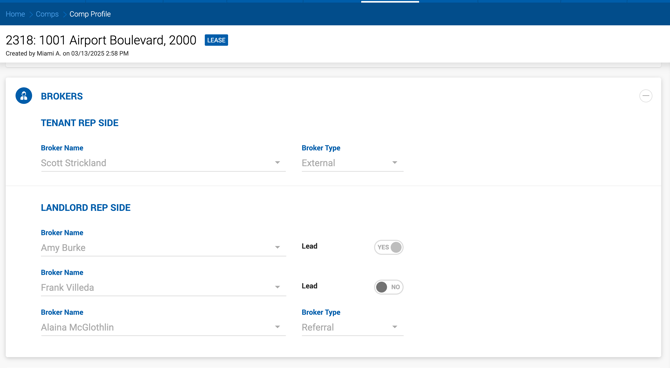
The Entered By field is automatically populated with the lead broker from the deal.
Confidential & NDA Flags
The Confidential and NDA flags on the comp are inherited from the Deal Abstract page. These are best defined during the deal approval process, but any Office Admin with access to the deal can update them at any time.
Deal Status & Comp Visibility
- If a closed deal is reopened, its comp is removed from the comps list and search results until the deal is closed again.
- If a deal is deleted, its comp is deleted as well.
Documents
Documents attached to a deal are not transferred to its comp. Documents can be uploaded to the comp separately as needed.