Overview
Dealius can generate a monthly Excel report of broker expenses that are not tied to specific deals. These expenses are tracked under Broker Profile > Broker Payments. This feature is enabled individually by the Customer Service team via the Broker Ledger toggle under Admin > System Settings.
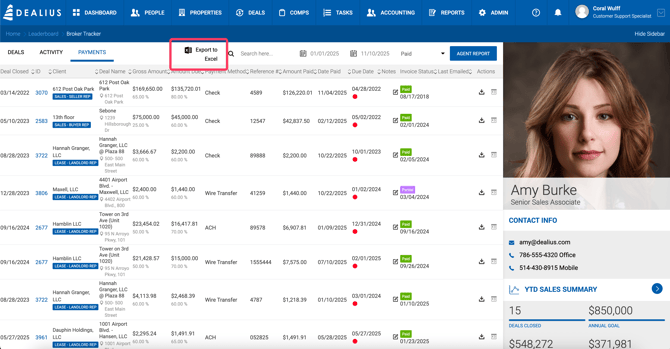
Once enabled, an Export option becomes available under Broker Profile > Broker Payments. Select the current month or any past month (up to 5 years back) and click Export to generate the report.
How Expenses Are Calculated
The report breaks down expenses by due date for the selected month based on the following rules:
General Rule The Start Date of each expense is the date it is first due.
Monthly Repeats on the same calendar date each month. Example: Start Jan 5, End Jun 30 → due Jan 5, Feb 5, Mar 5, Apr 5, May 5, Jun 5
Bi-Weekly Repeats every 14 days from the Start Date. Example: Start Jan 5, End Jun 30 → due Jan 5, Jan 19, Feb 2, Feb 16, Mar 2, Mar 16, Mar 30, Apr 13, Apr 27, May 11, May 25, Jun 8, Jun 22
Weekly Repeats every 7 days from the Start Date. Example: Start Jan 5, End Jun 30 → due Jan 5, Jan 12, Jan 19, Jan 26, Feb 2, Feb 9, Feb 16, and so on