
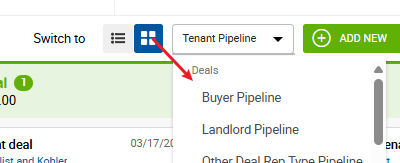
A Kanban board is available on the Deals page for CRM Pro users, giving you a visual pipeline view of your deals organized by stage. Drag and drop deals between stages, view open tasks on each deal card, and track progress across all rep types at a glance. In order to access the Kanban view, use the switch and navigate to one of the deal types' pipelines:
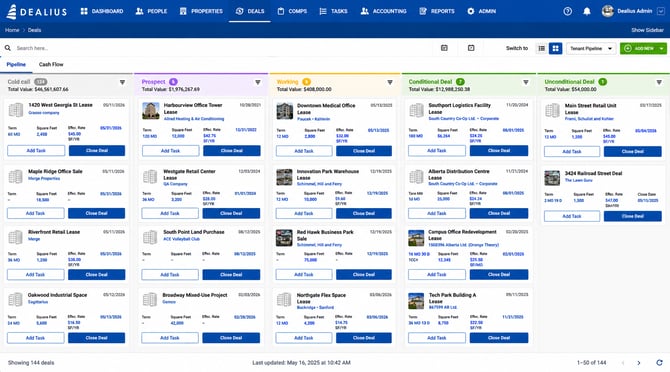
The Deals page remembers your last selected view - List or Kanban - so you return to the same layout every time without having to switch manually.